In many families, the truly exhausting tasks aren’t laundry or cooking themselves.
It’s the constant questions every day like:
“What time is class tomorrow?”
“Has the swimming class time changed?”
“Who was that school email sent to?”
“Did someone fill out the registration form?”
“Who will pick up the kids?”
“What’s for dinner?”
The problem isn’t that the information doesn’t exist.
It’s that:
Information is scattered across different people’s Emails, Calendars, Chats, paper notices, and minds.
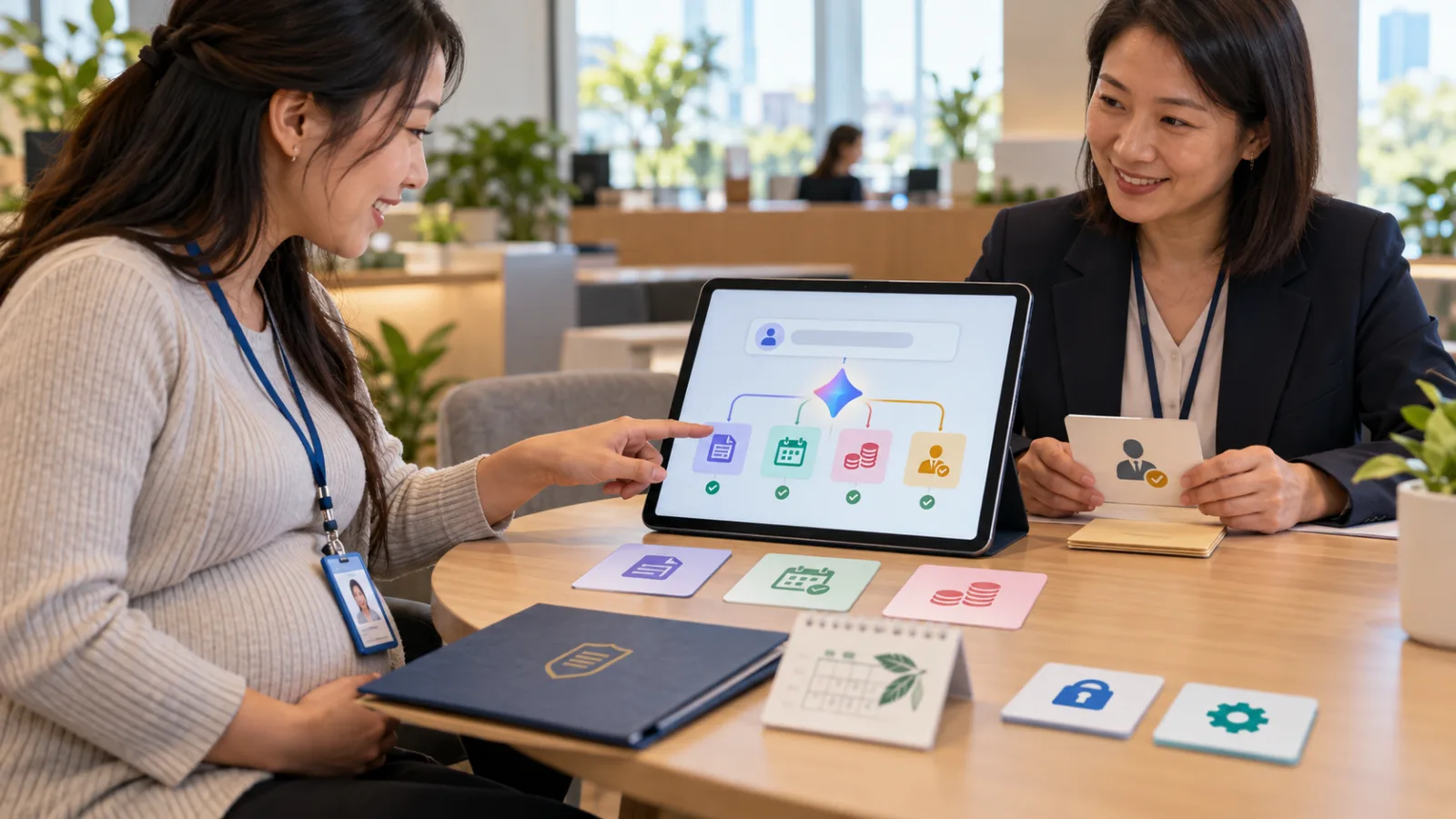
Google Labs’ latest update expands the original personal AI Agent CC into a household/group version designed to deal with exactly this issue.
What is CC?
CC was originally an experimental AI Agent from Google Labs.
Early versions mainly served an individual.
It could connect to:
- Gmail
- Google Calendar
- Google Drive
- Web
and provide a daily morning summary called Your Day Ahead.
For example:
What events are on today,
Which Emails need attention,
What tasks to follow up on.
Google later expanded this concept into Gemini’s Daily Brief.
Now CC has taken the next step:
From “my assistant” to “our family’s assistant.”
Up to 6 People Share One Agent
The new version of CC allows up to 6 members to join.
The special feature is that:
CC has its own Google Account.
In other words, it’s not just a function hidden inside one parent’s account.
It has its own identity within the group.
Family members can:
- Share Emails with CC
- Add CC to their Calendars
- Share Drive Folders/Files
- Send data to CC through Google Chat
For example, mom receives an email about a school event,
dad gets a notice from the swimming center,
and the child gets a birthday party invitation.
Previously, these three pieces of information were in three different places.
Now everyone can choose to share the relevant information with the single CC.
Every Morning, the Whole Family Sees the Same Brief
CC organizes the data each family member is willing to share and generates a common:
Your Day Ahead.
For example, today it might organize:
Morning:
Child needs to bring sports gear.
Afternoon:
Swim class time changed.
Evening:
Someone needs to go to the vet.
Night:
School registration deadline tomorrow.
The point isn’t that AI just made another summary.
It’s that:
Family information originally hidden in one person’s inbox starts becoming a shared work status visible to everyone.
This closely resembles the concept of project management in companies.
Only here, the project is:
“Keeping today’s household running smoothly.”
If Schedules Change, CC Updates Calendars and Tasks
CC doesn’t just deliver the morning brief.
It can also help maintain:
- Family Calendar
- Tasks
- Important Dates
- To-do Lists
For instance, a school email says:
“Wednesday’s event is moved to Thursday.”
CC can update family plans based on the authorized shared information.
Or you might receive:
“Event consent form due before Friday.”
CC can turn this into a task.
The biggest headache in family management is that:
Information arrives in one place, but the real tasks usually happen somewhere else.
Dates are in Emails,
but someone needs to manually add them to the Calendar.
Shopping needs are mentioned in Chat,
but someone has to manually add them to the Shopping List.
CC aims to take over this “moving information” work.
It Can Also Handle Some Family Administrative Tasks
The latest CC is even more interesting because it goes beyond just “reminders.”
Examples Google provides include:
Pre-fill Event Registration PDFs
If a child needs to sign up for a summer activity,
CC can fill in known information into the PDF first,
and only ask you when information is missing.
Create a School Supply Shopping List
After receiving the school supply list,
there’s no need to整理 each item manually.
CC can turn it into a shopping list.
Weekly Meal Plan
CC can use family info to organize a weekly meal plan.
Travel Time Between Events
CC can use the Google Maps API to check real-time driving times between different activities.
For example:
Class ends at 16:30,
and swimming starts at 17:00,
AI can help arrange the logistics in between.
This marks a shift from:
“Just give me the information,”
to:
“Handle the family admin steps for me.”
Shared Memory Begins to Enter Households
CC also features Shared Memory.
But it doesn’t simply mix all family members’ information together.
Google’s design distinguishes between:
Information applicable to the entire household
and
Information that belongs to an individual.
For example:
A grocery list commonly purchased by the family
might belong to the Household Memory.
But one person’s:
- Dietary preferences
- Time zone
- Personal schedule
belong to individual contexts.
This is very important.
Because the biggest problem with multi-person Agents isn’t whether:
“The AI remembers,”
but rather:
“Who exactly should know this information?”
Not Handing Over the Entire Family Gmail to AI
This point must be clear.
Joining CC does not mean it automatically reads every family member’s entire Gmail.
Google’s design allows:
Each person to decide what to share.
There are a few main ways currently available.
Auto CC
You can designate certain Email Senders to be permanently shared with CC.
For example:
- Child’s school
- Airlines
- Swimming center
Emails from these senders will consistently enter the family coordination workflow.
Send it to CC
If you occasionally receive an Email that everyone should know about,
you can forward it individually to CC.
Share Files/Calendars
You can also share only specific:
- Drive Folders
- Files
- Calendars
instead of the whole account.
This design is worth noting:
The most important aspect of a multi-person AI Agent isn’t how much data it can read, but whether each person clearly controls what they share.
CC Runs on Its Own Isolated Cloud Computer
Google states that each CC runs on its own isolated Cloud Computer.
Underneath, it uses Google’s Agentic Harness Antigravity and the latest Gemini models.
This means CC can continuously work in the background without waiting for you to open the chat window.
It can also use Google services to:
- Create Docs
- Create Sheets
- Process PDFs
- Use Maps API
- Manage Calendars and Tasks
So CC is closer to:
A true family Agent with working tools
rather than just a family group chat.
Taiwan Users Don’t Need to Rush to Try It Yet
Currently CC is still a Google Labs Early Experiment.
The new family features are available to:
Users in the United States
18 years or older
Using Personal Google Accounts
Accessible on Web and Mobile.
Existing CC users will gradually receive upgrade notifications, and new users can join the waitlist.
So it’s normal that users in Taiwan cannot access it yet.
The key takeaway here isn’t “Install it today.”
It’s that Google is testing a very important AI Agent usage model:
An Agent no longer belongs to just one person.
The Next Step for AI Agents May Be “Shared Responsibility”
Currently, most AI are:
My ChatGPT.
My Claude.
My Gemini.
My Memory.
But in real life, many tasks aren’t completed by one person alone.
Families are like that.
Companies are like that too.
What CC is testing is another model:
Multiple people
→ each controlling their own data
→ sharing one Agent
→ Agent preserves shared context
→ helping coordinate joint tasks.
This may be more important than just “AI getting better at chatting.”
Because the real time many people waste daily isn’t on hard work.
It’s on:
Forwarding Emails,
Reminding others,
Moving dates,
Chasing who did what,
And repeatedly asking questions everyone should already know.
If AI can truly save a family time,
it may not be by answering smarter questions.
Instead, it might just be by continuously organizing:
“Who, when, where, and what’s still missing.”
This is where AI genuinely returns time to people.
Today, let’s progress a bit with AI.
Learn an AI tip each day.
Save a little time every day.
Improve a little skill daily.
SasaDaily, growing with you.