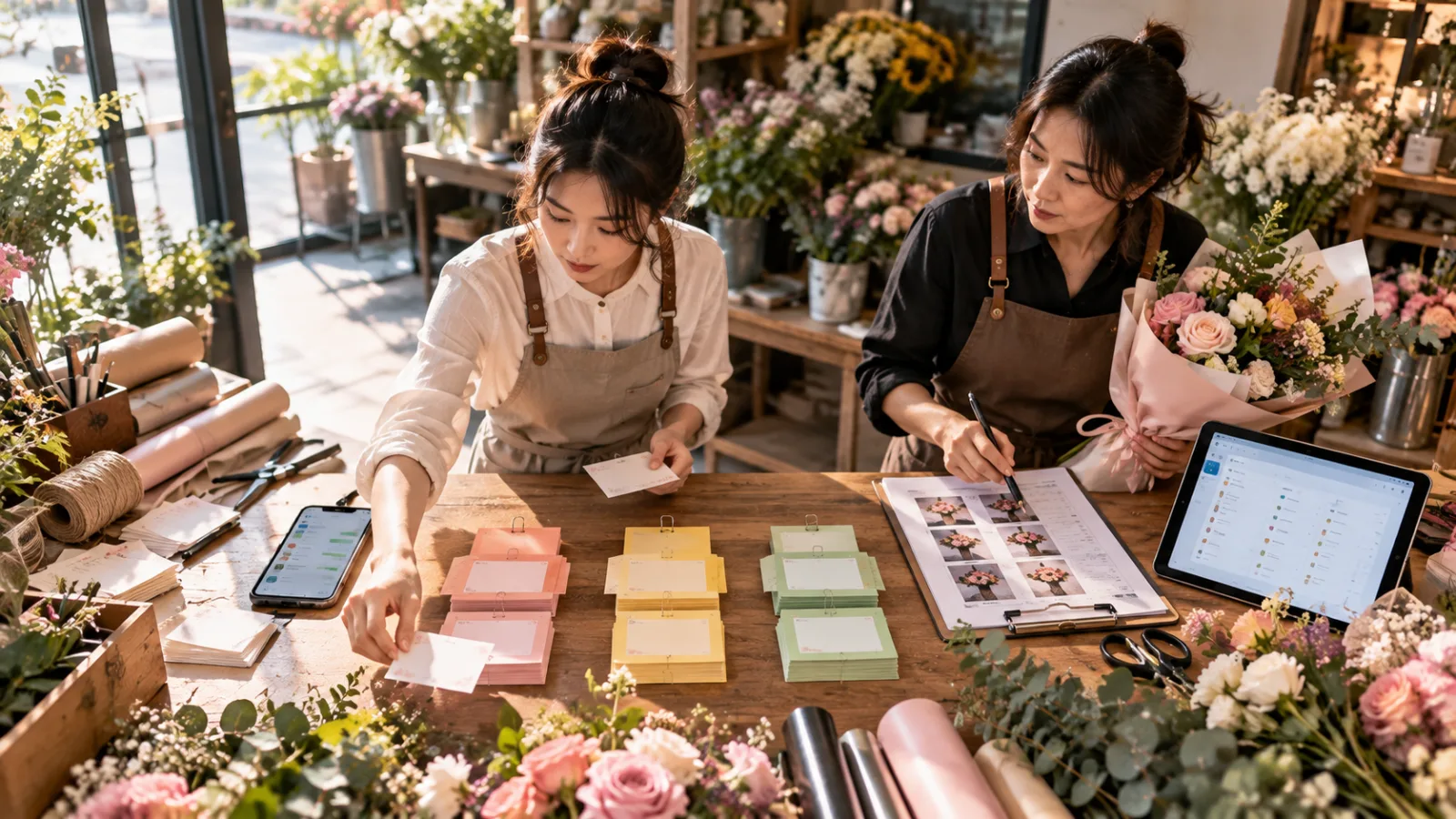
This is a SasaDaily hypothetical case.
It is not a real customer result announced by Qwen.
Imagine a 5-person lifestyle e-commerce brand:
- 1 brand manager
- 1 product planner
- 1 photographer/content creator
- 1 visual designer
- 1 e-commerce operator
They consistently launch:
4–6 new products every week.
The real time drain
often isn't the first shoot.
It's that the same product photos
have to be repeatedly reworked afterward.
Why does one product require so many versions?
Take a new bag as an example.
The team needs at least:
Product front shot.
Side shot.
Detail shots.
Transparent background PNG.
Website banner.
Instagram vertical format.
Lifestyle images.
Promotional banners.
For different seasons, they may need:
Spring setting.
Summer outdoor.
Holiday events.
Different models.
Different outfits.
The biggest hassle used to be:
Same product, but constant re-creation of materials.
Step 1: Shoot the real product first
This company does not let AI:
Imagine products out of thin air.
When new items arrive,
the first step is still the photographer shooting:
Real product references.
This includes at least:
Front view.
Side view.
Main details.
Additional shots if needed:
Back,
hardware,
material close-ups.
The purpose of these reference shots is:
To define exactly what the product looks like.
Because if AI has to guess even the product itself,
the final ad might look great but not match what customers will actually receive.
Step 2: Turn product into transparent assets
Qwen-Image-2.1 natively supports:
Subject Extraction and
RGBA Transparent Images.
The team can test:
Extracting the product from the photo,
creating a transparent background asset.
For example, if the bag was photographed on a gray table,
AI helps extract:
The bag itself,
with background removed.
This asset can then be used for:
Website.
Banners.
Presentations.
Social media.
Other composites.
The value here isn’t that:
“AI created a new product.”
It is that:
Existing product assets are organized for easier reuse.
But always check the edges after removing backgrounds
Features like:
thin straps,
tassels,
metal hardware,
transparent materials,
frayed edges
can easily be:
removed,
distorted,
or overcorrected.
So after AI completes subject extraction,
designers must compare:
Original photo vs transparent asset.
Paying close attention especially to:
contours,
hardware,
straps,
logos,
and stitching.
The product cannot gain details it doesn’t have just because background removal is convenient.
Step 3: Don’t rely on a single prompt for lifestyle images
The team wants to create:
“A young office worker carrying this bag walking into a coffee shop.”
In the past, they might type:
“An Asian woman carrying this bag entering a beautiful coffee shop.”
But AI might:
switch the bag,
change the person’s style,
alter the outfit,
or generate a scene that doesn’t fit the brand.
Qwen-Image-2.1 supports up to:
10 reference images.
This brand uses:
Image 1:
Real product.
Image 2:
Person reference.
Image 3:
Clothing reference.
Image 4:
Scene reference.
And tells AI explicitly:
Which image serves what purpose.
This is the essence of the one-minute tutorial today:
One image, one task.
AI creates a lifestyle draft, not product facts
It’s crucial to draw the line here.
AI can help decide:
where the person is placed,
scene atmosphere,
composition,
lighting,
and overall scenario.
But product details like:
dimensions,
strap length,
pocket placement,
hardware,
material,
and color
cannot be changed just because AI thinks “this looks better.”
For instance, if the real bag has one outer pocket,
AI must not add a second pocket.
That image cannot be officially released,
even if consumers might not notice.
Step 4: Clients want to change only one detail, not regenerate whole images
Suppose the first version of a lifestyle image has:
correct person,
correct product,
and correct scene,
but:
The coat color is off.
Before, the team might regenerate the whole image.
The result?
The coat color is fixed,
but the person’s face changed,
and the bag’s hardware also changed.
Qwen-Image-2.1 supports:
circle selection,
painted annotations,
and masks
to specify a local editing area.
The team can just select:
The coat,
and request it be changed to off-white,
without regenerating the entire image.
This capability is valuable for business workflows,
because:
already approved elements don’t risk changes with each update.
Step 5: Export to different platform sizes
Qwen-Image-2.1 natively supports 2K resolution,
and official settings include:
1:1,
16:9,
9:16,
4:3,
3:4,
3:2,
2:3
and other recommended ratios.
So the same confirmed reference set
can produce:
Website 16:9,
Instagram 1:1,
Reels/Stories 9:16 formats.
This company does not simply crop a successful 16:9 image
into 9:16,
because vertical assets usually need to be adjusted for:
person placement,
product placement,
white space,
and call-to-action areas.
So AI mainly saves time by:
avoiding remake of assets from scratch for every size.
Not by producing one image that perfectly fits all platforms without design.
Which tasks to assign to AI first?
This company’s workflow looks like:
Real product photography
↓
Product extraction
↓
Transparent asset draft
↓
Multiple reference lifestyle drafts
↓
Local refinements
↓
Drafts for various sizes
↓
Human verification of product details
↓
Official release
AI mainly handles:
organization, background removal, assembly, drafting, and local edits.
The true product facts still come from:
the real products.
What must humans always confirm?
The company has fixed human gates for these items:
Product Shape
No added or missing pockets, hardware, or changed structure.
Product Color
No misleading color changes due to lighting or AI generation.
Logo/Trademark
No distortion or fake brand text.
Size and Proportion
No resizing a mini bag into a tote bag.
Material
For example, genuine leather cannot be made to look like shiny plastic.
Rights for Person References
Confirm usage rights when using real model photos.
Official Advertising Claims
AI-generated images cannot imply nonexistent product functions.
Commercial License
Before charging or commercial use, ensure both model and platform licensing conditions are met.
The last point is especially critical.
Qwen-Image-2.1 cannot be assumed freely commercial yet
Although Qwen-Image-2.1 model weights are public,
the repository adopts the Qwen Research License Agreement.
Formal licenses specify that non-commercial use means:
Research or evaluation purposes only.
If materials are used for:
Commercial purposes,
a separate commercial license must be obtained.
This case assumes the brand
has completed the necessary commercial license confirmation before integrating Qwen-Image-2.1 into commercial workflows.
If not, use must be limited to:
Evaluation only.
Downloading the model does not automatically allow use in official ads.
Commercial licenses aren’t the whole story
Even with a commercial license for the model,
there are two more layers:
First:
Terms of use from the actual platform.
If not self-hosted,
but using a third-party service,
that platform’s own rules must be followed.
Second:
Rights to reference materials.
For example:
Model photos,
photographer’s works,
client-provided materials,
brand logos,
and third-party products
may have their own:
copyright,
portrait rights,
and trademark issues.
Having a commercial license for the model
does not automatically grant these rights.
How much time could AI save?
Here is a conservative example.
The company processes:
6 products per week.
Previously averaged weekly time on image post-production:
Manual background removal and edge cleanup: 2 hours
Lifestyle mockups: 3 hours
Reformatting for different sizes: 1.5 hours
Reworking due to small modifications: 2 hours
Total roughly:
8.5 hours
After adopting AI:
Basic asset creation and organization is shortened,
but with preserved:
product comparison,
rights checking,
manual revision,
and official approval.
Total becomes:
5 hours
Saving about:
3.5 hours per week.
Four weeks per month equal around:
14 hours saved.
This is only a SasaDaily estimate to illustrate workflow setup.
It is not an official Qwen customer result.
Nor does using Qwen-Image-2.1 guarantee 14 hours saved.
Actual results depend on your own measurement.
Don’t just measure "generation speed"
The real KPIs to track are:
How long it takes from raw photo to official asset per product?
How many times a product is re-photographed weekly?
How many AI drafts are rejected due to product distortion?
How much time is spent on human review?
How many usable sizes are generated from one reference set?
If AI generates 10 images per minute,
but 9 are unusable due to inaccurate products,
efficiency does not improve.
True ROI is based on:
Final publishable assets,
not just
number of generated images.
The main product photo might never be handed to AI
The company can also enforce a more conservative rule:
The first main product image on the website’s product page
always comes from real photography.
AI mainly handles:
Lifestyle images,
campaign scenes,
social visuals,
transparent assets,
and template variations.
The most important job for main product photos is to:
accurately show customers what the product looks like.
No need to sacrifice authenticity just to use AI.
AI does not have to appear in every step of the workflow.
The best adoption is usually to:
apply AI only where it truly reduces repetitive work.
This case’s real AI benefit is reducing "asset rework"
Qwen-Image-2.1 offers many impressive features:
10 reference images,
transparent backgrounds,
local edits,
2K resolution,
prompt rewriting,
but for this 5-person brand,
the core goal is:
not to remake the same product from scratch for each new scene.
Shoot real references once,
confirm the product,
then let AI help:
extract assets,
change settings,
do local edits,
and resize.
Humans remain responsible for:
accuracy,
branding,
rights,
and final publication.
This is a practical AI workflow for small businesses
—not
AI replacing photographers,
but
avoiding constant rework of already well-shot product materials.
If you want to find out which step of your workflow is best for AI, comment “workflow.”
Today, progress a little with AI.
Learn one AI skill daily.
Save a little time every day.
Improve your skills step by step.
SasaDaily, growing with you.