No.
This often mixes up two completely different matters.
Nova Companion:
One of its biggest features is:
No need to add a Meeting Bot to the call.
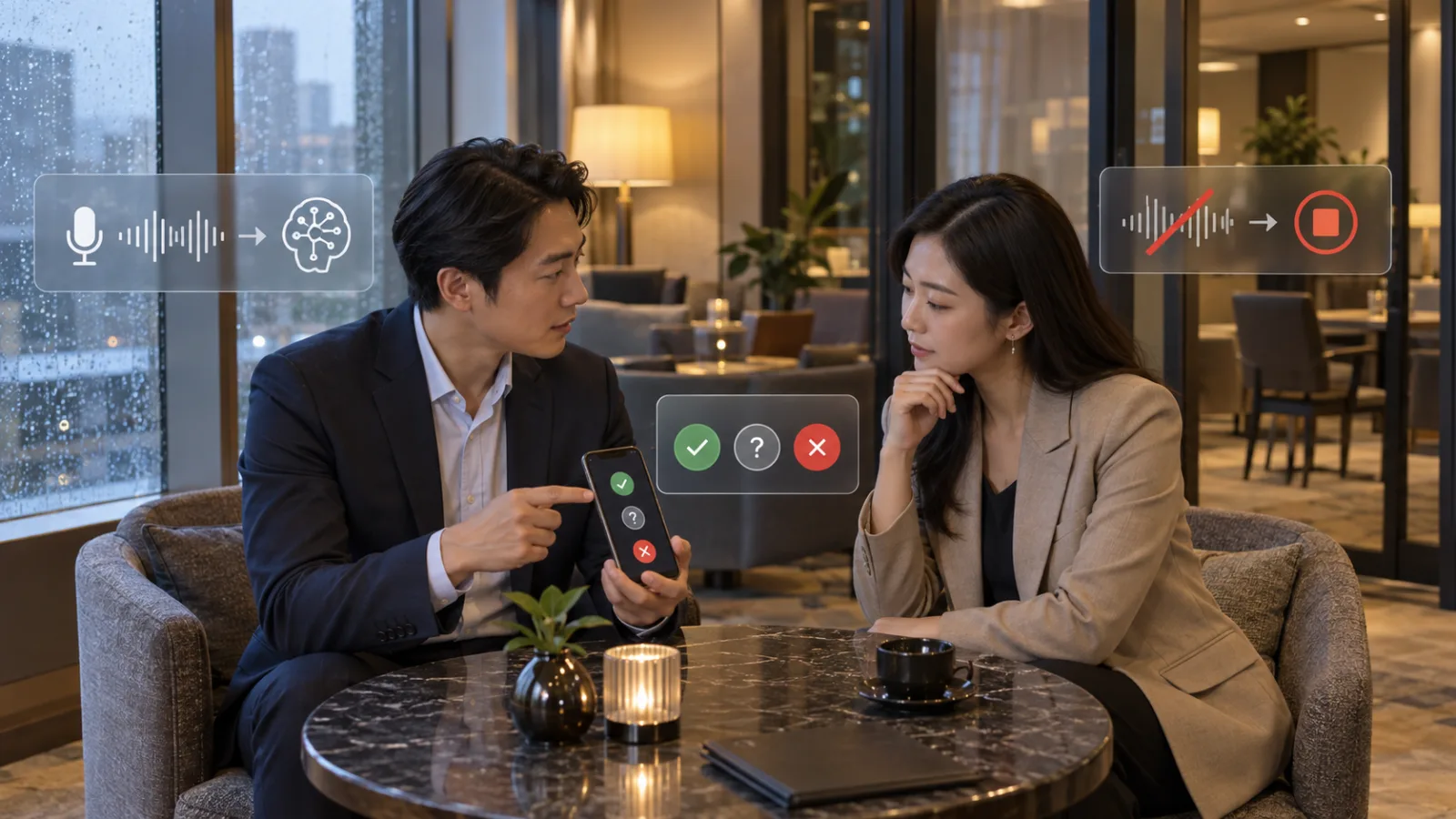
It can directly obtain system audio from your own Mac or Windows computer.
Therefore, you can transcribe Google Meet, Zoom, Teams, or even other VoIP calls.
On screen, a third AI participant might not appear.
However,
No Bot
does not mean
No transcription
and certainly does not mean
No need to inform participants.
The key difference between AI Notetaker and Companion is how the audio is captured
AI Notetaker:
Joins the meeting as a visible participant;
This makes it easier for people to notice “AI is now recording.”
Nova Companion:
Captures audio directly on your computer;
On screen, there may only be you and your customer,
making it technically more discreet and less intrusive to the meeting.
But consent rules do not disappear because of this
Pipedrive clearly states that Participant Notice and Consent Settings apply equally to AI Notetaker and Nova Companion.
The difference lies only in the recording method, not in consent requirements.
Why the presence of a Bot is not a reliable indication
The real question is:
Is this conversation currently being recorded or transcribed?
If yes, organizers must confirm applicable laws, company policies, client agreements, and participant preferences to know what is required.
Pipedrive offers three Participant Notice options
First:
No automatic alerts.
This name can be confusing as it does not mean “no notification needed.”
Instead, Nova does not send automatic notifications or handle consent for you; you must complete them outside of Nova.
Second: Alert with opt-out
Nova can notify participants before a meeting that the meeting will be transcribed.
Participants unwilling to be recorded can opt out, and the meeting host must respect this choice.
Third: Require consent
This approach is more direct.
Nova first requests participants to explicitly agree or decline to be recorded;
Responses appear in Nova so the meeting organizer can see who consented, declined, or hasn’t replied yet.
Even if Nova helps collect consent, responsibility doesn’t shift to the software
Pipedrive explicitly states the meeting organizer is responsible for ensuring Nova usage complies with applicable laws, organizational policies, and participants’ choices.
You cannot say: “Pipedrive has a Consent Button, so all legal responsibility lies with Pipedrive.”
No.
Recording rules vary by region
Some places require consent from only one party, others require all participants’ consent.
Companies may also enforce internal policies stricter than the law.
Therefore, whether recording is allowed can’t be decided solely by what you see on Nova’s screen.
The safest way to understand is by separating three layers:
First: Technology. Can Nova record?
Second: Rules. Is recording permitted in this meeting?
Third: People. Are participants informed? If consent is needed, have they agreed?
Don’t mix these questions.
Technical ability doesn't equal permission
This is like smartphones having the ability to record audio—it does not determine legality or consent.
The more convenient AI meeting tools become, the more essential it is to handle these layers carefully.
It’s especially easy to forget with Companion
Because AI Notetaker appears on the participant list,
people are more likely to notice;
Companion has no Bot, and you might not change the original meeting flow at all.
This is an advantage but also why users must proactively manage notifications.
Pipedrive even incorporates this into the Companion setup
Setting up Nova Companion directs you to Participant Notice settings, letting you choose how to notify attendees.
Pipedrive makes clear these notices apply whether using Companion or AI Notetaker.
What if a participant refuses?
It is not acceptable to say, “AI is already on, so let’s keep going.”
If someone opts out, the meeting host must respect that preference;
For Companion, it means stopping transcription for that meeting.
This also applies to unscheduled calls
Nova can record spontaneous calls not scheduled on a calendar.
But Pipedrive requires confirming all participants know and agree to transcription beforehand.
So even “unscheduled calls” are not exempt from consent requirements.
For example, if a salesperson receives a spontaneous customer call
And halfway through realizes it’s content-heavy and thinks, “I’ll just press Nova record and save note-taking,”
The proper step is not to secretly start recording,
but first confirm whether the call can be transcribed, informing and obtaining consent if required, and only then begin recording.
Don’t treat “notification” and “consent” as the same
For instance, Nova may send an email notice saying “This meeting will be transcribed.”
This is a notice.
But whether notice alone suffices depends on applicable rules.
Some situations require explicit consent.
Therefore, alerts don’t always constitute legal consent.
This is why the “Require consent” option exists
If your scenario requires explicitly recording participants’ consent or refusal, use “Require consent.”
Which mode you should use depends on your company policies and relevant laws.
If your company holds many sales meetings, don’t rely on each salesperson’s guesswork
This is where problems usually arise.
Salesperson A may think the Zoom recording icon is enough.
Salesperson B may always send an email notice.
Salesperson C may rely on Companion and assume no Bot means no notification needed.
In the end, the same company ends up with three inconsistent approaches.
A better approach: establish a unified Meeting AI Policy
No need to write a 20-page legal document, but at least clarify these four points:
Which meetings can be recorded?
Which cannot?
How to notify before starting?
What to do if participants refuse?
Clarifying these makes tools truly convenient.
Meetings that should be treated more conservatively include:
Highly sensitive ones such as:
Contract negotiations, M&A, legal disputes, employee issues, customer confidentiality, security incidents, special personal data.
It’s not that AI transcription is outright prohibited,
but you shouldn’t simply see a recording indicator in Nova and assume “just turn it on for convenience.”
Ask if the meeting really needs to be recorded
For example, a 5-minute internal lunch confirmation doesn’t need a transcript.
Conversely, a one-hour customer requirement interview where you need a summary, next steps, and CRM updates—they can benefit greatly from transcription.
Don’t let “AI can remember” become “record everything”
This is another common problem with AI meeting tools.
The more you record, the more data you have, and the more complex data management becomes.
The better practice isn’t to record everything by default,
but to record only with clear purpose.
What will you do with this meeting’s recording?
If the answer is to produce summaries, update CRM, confirm next steps, or capture customer commitments,
the purpose is clear.
If the answer is simply “AI can record anyway,” reconsider recording.
One easily overlooked issue: transcription isn’t just “listening now”
After the meeting, transcripts, summaries, and CRM suggestions remain.
This means you’re not just letting AI temporarily listen,
but creating new business records.
Therefore, companies must know where this data goes, who can access it, how long it’s kept, and how it’s used later.
Nova FAQ clarifies it may handle meeting recordings and transcripts
Depending on enabled features, Nova may process CRM data, emails, calendar events, recordings, and transcripts.
These can all be business data.
So meeting consent is only the first layer; data governance follows.
But don’t think of AI meeting tools as scary
The right approach isn’t "Privacy concerns mean never use AI tools.”
It’s to separate what can save time from what needs control.
Nova helps prepare, transcribe, organize, and suggest CRM updates for meetings,
removing a lot of sales admin work when recording follows clear boundaries.
The simplest take-away:
“No visible Bot simply means a different way of capturing audio.”
It does not mean no recording, no transcript, automatic consent from the other party, or automatic invalidation of company policies.
If you are a Sales Manager, do this:
Open Nova, set Participant Notice, and don’t just ask “Which is most convenient?”
Instead, ask “Which does our Meeting Policy require?”
If your company notifies participants upfront, “No automatic alerts” may work.
If participants need the ability to clearly refuse, use the opt-out option.
If explicit recorded consent is required, use the “Require consent” mode.
And don’t forget—if participants refuse, you must really stop
Consent is not a UI decoration.
If a customer chooses not to be recorded, the worst practice is to continue recording anyway.
A good AI workflow respects that boundary, not just visually but in practice.
So today’s answer is simple:
Nova Companion doesn’t add an AI Bot participant to the meeting, which makes sales calls more natural.
But it still captures meeting audio and generates transcripts.
Therefore, whether a Bot appears and whether participants should be informed are two separate issues.
The key takeaway:
Invisible recording methods don’t eliminate the responsibility to notify and obtain consent.
Today, make a little progress with AI.
Learn one AI skill a day.
Save a bit of time daily.
Improve a little every day.
SasaDaily grows with you.
Recommended Reading
AI Q&A|2026/09/12: Can You Send Plaud Agent’s PPTX with Meeting Context Directly to Clients?